No products in the cart.

How to download IPTV Smarters Pro APP and watch TV on it?

at 7:34 am by / 2525 / 0

What is IPTV Smarters Pro APP?

IPTV Smarters Pro APP is a popular and great streaming media player. It allows IPTV terminal customers to watch live TV, VOD movies, VOD series, TV playback and other exciting content provided by IPTV server providers on their devices.

IPTV Smarters APP Pro is a powerful xtream code system, almost all iptv can be played on it. In addition, IPTV Smarters APP has a clear layout and is easy to operate, which is very user-friendly.

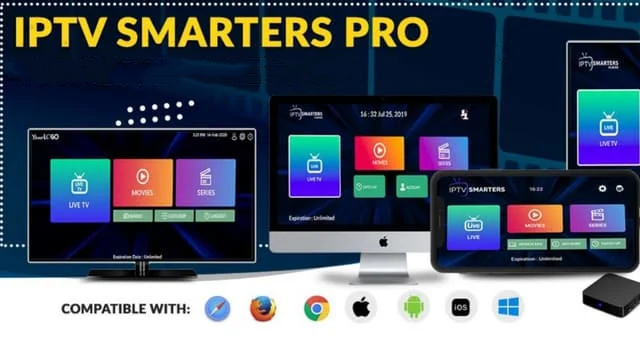
IPTV Smarters Pro APP can be installed on different devices, allowing you to watch your favorite iptv channels anytime, anywhere.

   Android– Android Phones, Android TV, Android TV Boxes, Android tablet, Android FireTV Sticks, and other android sticks or devices.

   iOS – iPhone, iPad, TvOS (Apple TV).

  Smart TVs – LG & Samsung (App available on the store to download).

   Windows/MAC – Windows 8/10 and all versions of macOS including the latest ones.

FEATURES INTRODUCTION


  Supports live, movie, series and radio streaming

  EPG (TV Program Guide)

  Parental Controls

  TV catches up with streaming

  Continue watching

  Recently Added Movies and Series

  Multi screen

  Multi-user

  Picture-in-picture

  Support M3u file and URL loading

  Local audio/video file playback

  Clear Channel Bouquet

  Channels can be sorted according to your habits

  Support automatic next episode playback

  Support: automatic and manual cache clearing

DOWNLOAD


How To USE

  • Android
  • IOS
  • Windows/Mac
  • Firestick
  • Samsung/LG TV

Step 1: Download the IPTV Smarters Pro APP (Click here)

Step 2: Choose login with Xtream Code API

Step 3: Login to the application with your subscription details

Step 1: Download the Smarters Player Lite APP from APP Store (Click here)

Step 2: Choose login with Xtream Code API

Step 3: Login to the application with your subscription details

Step 1: For Windows: Download .exe And Install the Application IPTV Smarters Pro

For Mac: Download .dmg And Install the Application IPTV Smarters Pro

Step 2: Choose login with Xtream Code API

Step 3: Login to the application with your subscription details

Step 1: Download IPTV Smarters pro direct apk (Click here).

Step 2: Download the downloader app on firestick.

Step 3: Go to settings of firestick >> My Fire TV >> Developer Options >> Install from unknown apps >> Click Downloader to change the status to ON.

Step 4: Open the downloader app and put the complete apk link on downloader and then install the app.

Step 1: Go to APP Store of your TV

Step 2: Search for the IPTV Smarters Pro to install.

Step 3: Choose login with Xtream Code API

Step 4: Login to the application with your subscription details

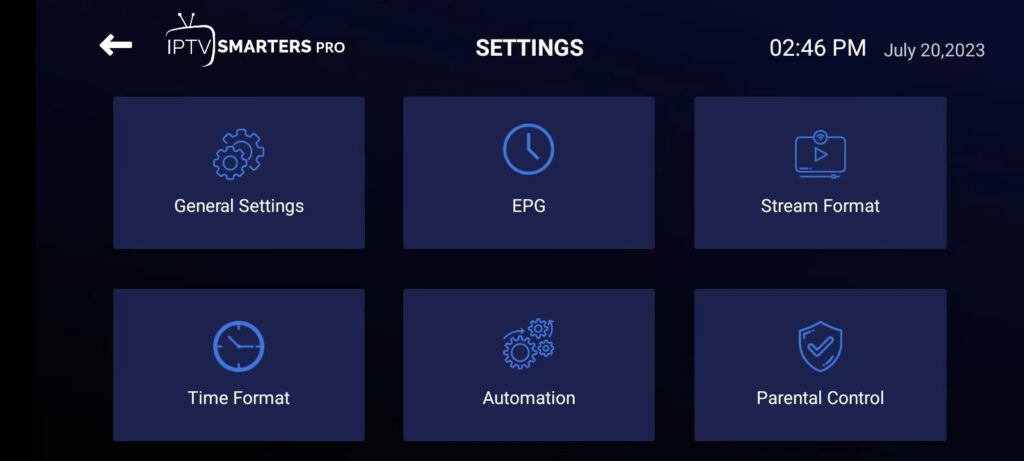
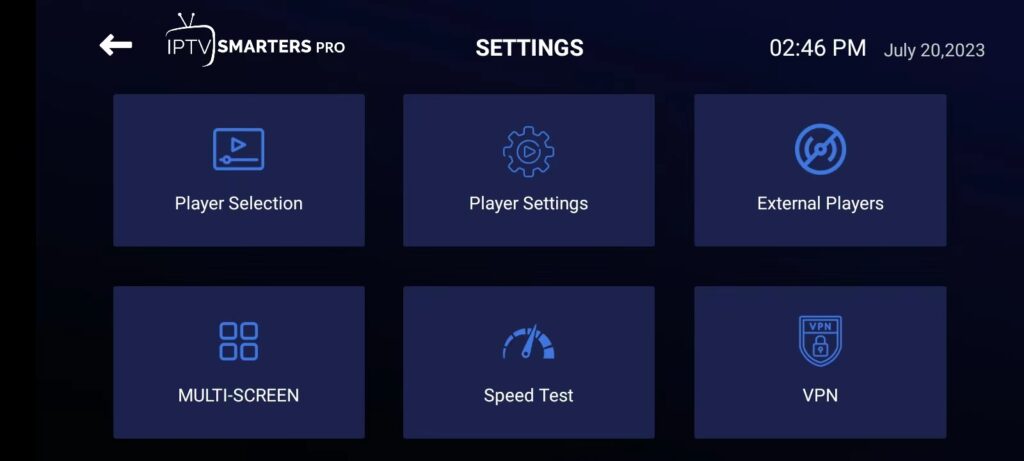
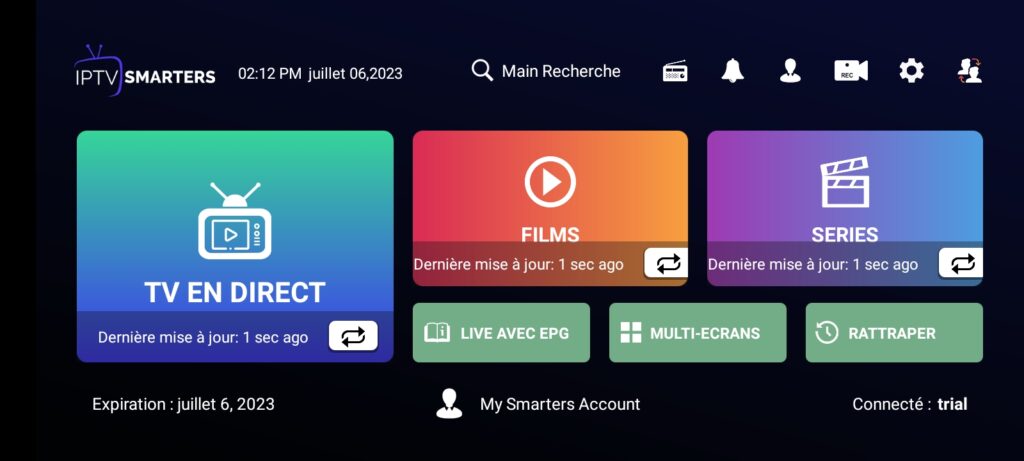
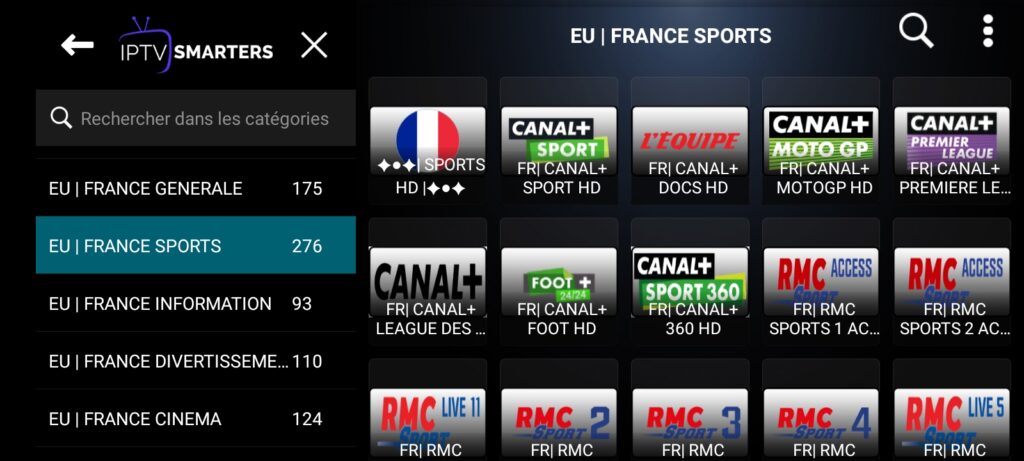
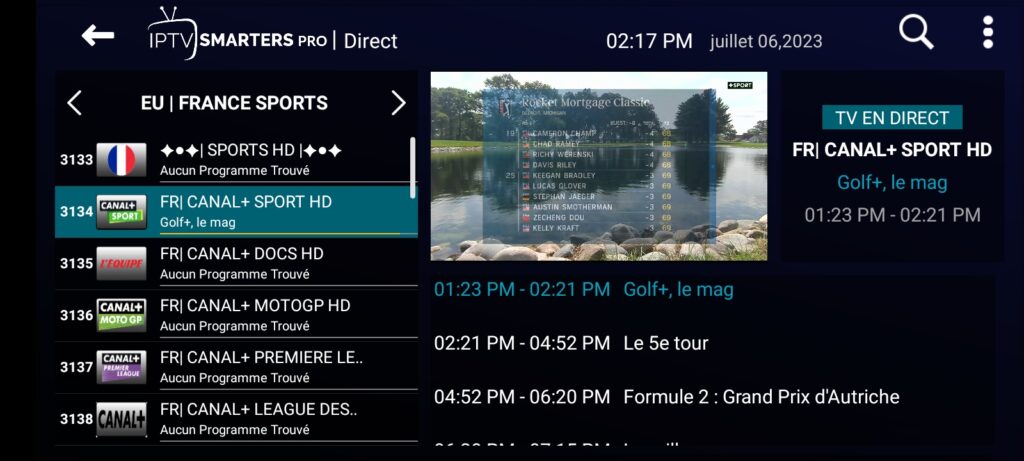
SOME SCREENSHOTS

Write a review